Elevating web experience
AI Assistant Discovery Experience
COMPANY
Cisco
ROLE
Lead UX Designer
PLATFORM
UX/UI Design
YEAR
2025

How might we help enterprise security analysts recover AI-generated insights without starting over every time?
Enterprise Security and Cloud teams rely on an embedded AI Assistant to synthesize threat data, generate log summaries, and recommend policy changes. Over weeks of use, these conversations accumulate hundreds of high-value exchanges - but once a session is closed, retrieving a specific analysis means repeating the entire query from scratch.
This project set out to solve that cold-start problem by designing a search experience native to the AI Assistant panel - one that indexes every past chat session and surfaces relevant insights using natural language, filters, and relevance ranking.
The design had to feel like a natural extension of an existing tool that analysts already trusted - not a new product bolted on. That constraint shaped every decision: from where the search icon lives, to how results are ranked, to how deep-linking back into a thread preserves the original conversation's momentum.
Problem Statement
01 | 02 | 03 |
|---|---|---|
User Challenge | Current Gap | Opportunity |
Enterprise Security and Cloud users struggle to efficiently retrieve past AI assistant outputs like log analyses and policy advice, causing productivity loss and information fatigue. | The AI assistant lacks the ability to search and navigate previous chat sessions, creating a competitive gap in the market and forcing users to repeat queries unnecessarily. | No competitor offers seamless chat search, positioning this product to lead with an intelligent, navigable AI assistant experience that sets a new standard for enterprise tools. |
Problem Space
Business Needs
Reduce AI compute cost by eliminating repeated queries and system load.
Gain Competitive Market edge with advanced chat search and navigation.
Boost productivity and user satisfaction through efficient retrieval.
Strengthen retention and acquisition with enhanced capabilities.
User Needs
Quickly find key information and security recommendations from past chats.
View concise chat summaries without scrolling lengthy sessions.
Jump to relevant sections like policy insights or log analyses.
Search securely with filters for date, topic, and keywords.

The Solution
Designed Screens
A seamlessly integrated search experience inside the existing AI Assistant panel — enabling analysts to surface past insights in seconds, not sessions.
Solution
The resulting AI-powered scheduling app offers a seamless user experience, allowing individuals and businesses to effortlessly manage their schedules.
Screen 01
AI Assistant Global Search
The system captures and securely stores all AI Assistant chat sessions — including full text, metadata such as date/time, participants, and topic tags.
Indexes content for deep search (full-text, keywords, metadata)
Updates indexes in near real-time — under 2 minutes after a chat ends
Familiar thread-based navigation preserved; search is additive
Screen 02
Search Interface
A natural-language search bar with smart filter chips — letting analysts narrow results by date range, category, severity, or attachment type without learning a query syntax.
Filter chips: Date Range, Firewall, Alerts/Warnings, Severity, Authentication
Recent searches surface the most useful past queries immediately
Relevance-based weighted ranking with exact topical match boost
Screen 03
Search Results
Results are ranked by relevance, with AI-generated match explanations showing exactly why each thread surfaced. Expandable cards enable quick decision-making without leaving context.
AI-written summary: which threads matched and why
Expand inline to preview key excerpt without opening the full thread
Sort by Relevance or Date to match different retrieval intents
Screen 04
Full Thread View
"View Full Thread" takes the analyst directly into the original chat session — keywords are highlighted for instant orientation, and they can continue the conversation if needed.
Search keywords highlighted inline for rapid scanning
Attachments (PDFs, logs) are preserved and accessible in context
"Back to Search" keeps the analyst in their retrieval flow
Beyond Search
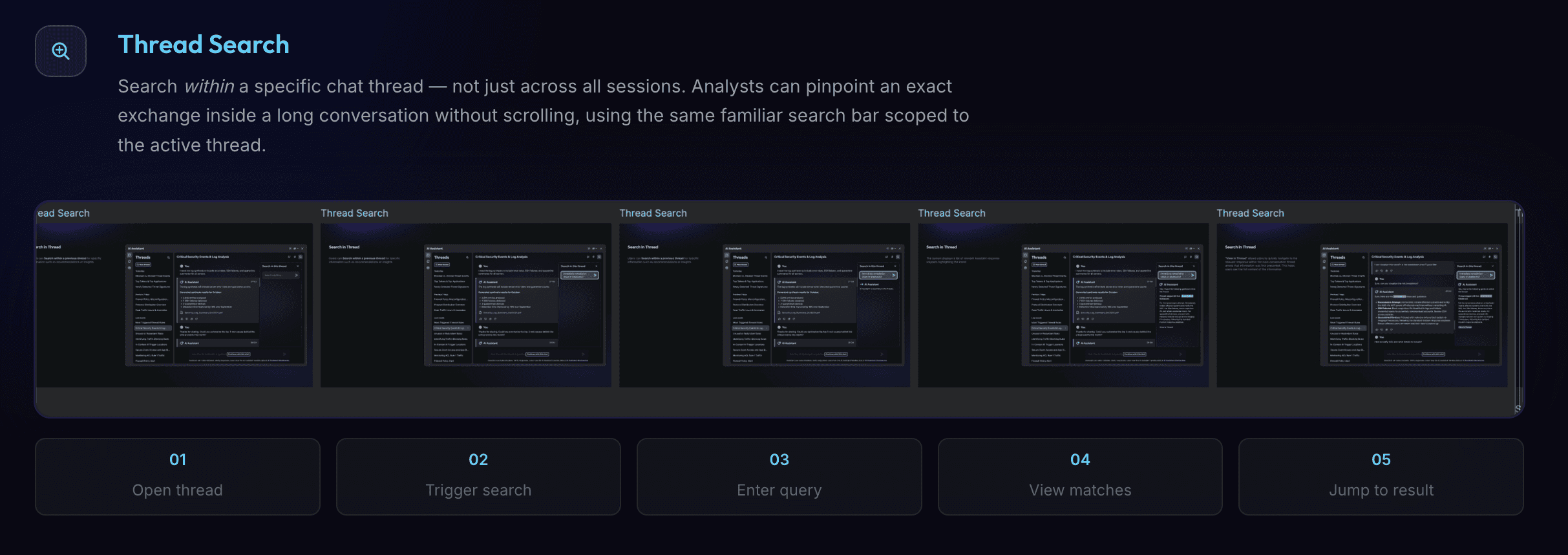
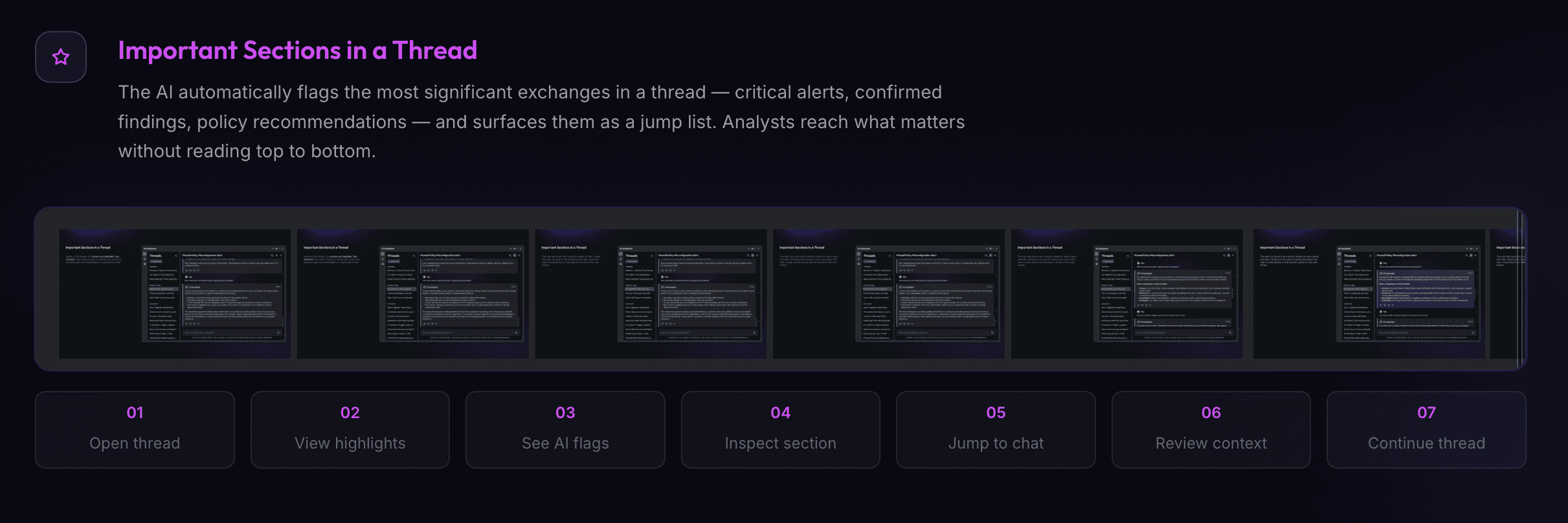
Three additional flows designed to make every thread more useful — whether an analyst needs to search within a single conversation, get an instant AI summary, or jump straight to the sections that matter.

Expected Impact
What This Unlocks
↓ AI | ↑ Speed | Zero | ∞ |
|---|---|---|---|
Compute Cost | Insight Retrieval | Competitor Parity | Chat Value |
Fewer repeated queries reduce system load | Past analyses surfaced in seconds | No rival offers seamless chat search | Every past session becomes reusable knowledge |
Key Takeaways
Search is a Trust Signal
For enterprise security users, being able to recover and verify past AI-generated advice reduces the anxiety of relying on an AI tool for high-stakes decisions.
Additive Design Wins
Integrating search into the existing thread-list panel — rather than building a separate search page — meant zero context-switching and no learning curve for existing users.
Filters Over Syntax
Security analysts are technical, but query syntax is still friction. Smart filter chips that match the mental model of their existing tools proved far more effective.